Category: GD&T Symbol Rules and Examples
Articles related to GD&T symbol rules and walk-through examples of GD&T Symbols and their uses

In this question line video, Brandon reviews the differences between the GD&T callouts for circularity, circular runout, and total runout. To examine the differences in these concepts it is helpful to first review the Geometric...
Does Runout or Size Control the Circularity/Form Error in GD&T? (Answer: It Depends) In this article video, we aim to answer how Runout is used to control the form/shape/circularity/cylindricity on a cylinder. It also...
Check out this question brought up about Flatness in our GD&T Fundamentals Course. We get a lot of questions about when flatness can be applied and how datums can be used with this. There are...

A theoretically exact reference point, axis, or plane that other tolerances are measured from. Every controlled feature traces back to one.

Controls exactly where a feature must be located. Uses a circular tolerance zone and works with MMC — the most used symbol in GD&T.

Controls how round a cross-section must be at any given slice. Applied independently at each cut — it doesn't control the overall cylinder.

Controls a surface or axis so it runs exactly parallel to a datum. Zero degrees is implied — no basic angle needed.

Controls the entire cylindrical surface at once — roundness, straightness, and taper combined. Stricter than circularity, and harder to inspect.

Defines a 3D tolerance zone around any surface shape. One of the most powerful controls in GD&T for complex or freeform geometry.

Controls surface variation relative to a datum axis as the part rotates. Measured at individual cross-sections — simpler and more common than total runout.

Controls whether the median points of a cylindrical feature share the same axis as a datum. Expensive to inspect — position or runout usually works better.
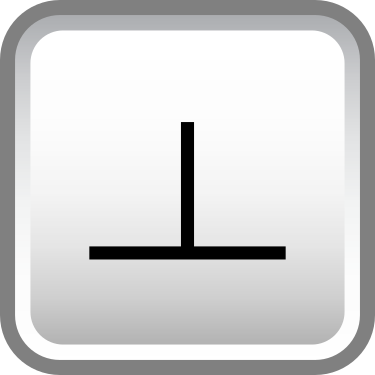
Controls a surface or axis at exactly 90° to a datum. Squareness has a formal definition in GD&T, and this is it.

Controls the entire surface relative to a datum axis in one sweep. More comprehensive than circular runout — and harder to achieve in production.

Applies when a feature is at its largest allowable size. Can unlock bonus tolerance as the feature departs from MMC — often a significant cost saver.

Applies when a feature is at its smallest allowable size. Used when wall thickness or material retention matters more than fit.
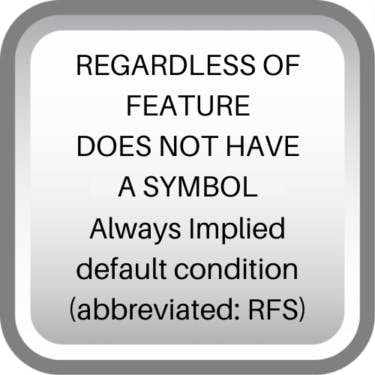
The default condition — tolerance applies regardless of the actual feature size. No bonus tolerance. Stricter, but sometimes exactly what the design needs.
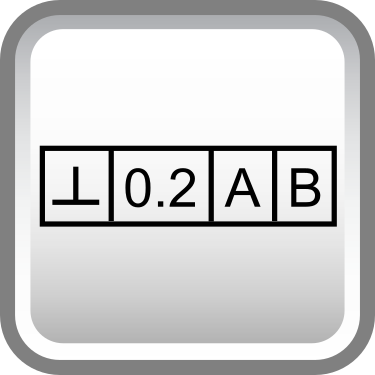
The box that houses a GD&T callout. Every geometric tolerance lives inside one — learning to read it fluently is non-negotiable for GD&T.

Defines a 2D tolerance zone along any curved line or cross-section. Think of it as profile of a surface, but applied one slice at a time.

Controls a surface or axis at an exact angle relative to a datum. Requires a basic angle dimension — it's the orientation call for everything that isn't 0° or 90°.

Controls how straight a line element or axis must be. Can apply to a surface line or to an axis — and the difference matters more than most people realize.

Controls whether the median points of a feature are symmetric about a datum plane. Like concentricity, it's rarely the right call — position is usually preferred.



