How to Control True Position of an Interrupted Hole
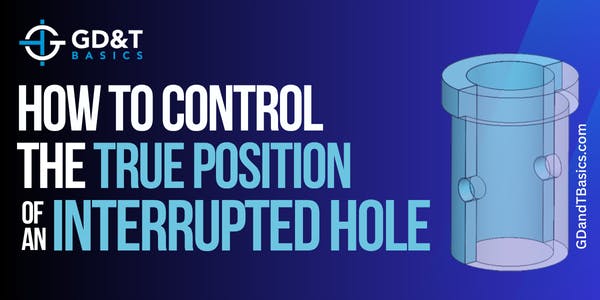
In this Question Line video, Jason discusses two possible ways to control true position for an interrupted hole scenario, discussing UAME and Virtual Condition.
In this Question Line video, Jason answers questions regarding True Position and how to calculate diametric deviations. He discusses the difference between "True Position" and "Position" and walks through the process of determining whether the part passes inspection.
In this question line video, Jason explains how to control radial position with a composite tolerance by walking through an example of a pattern of holes on a cylinder.
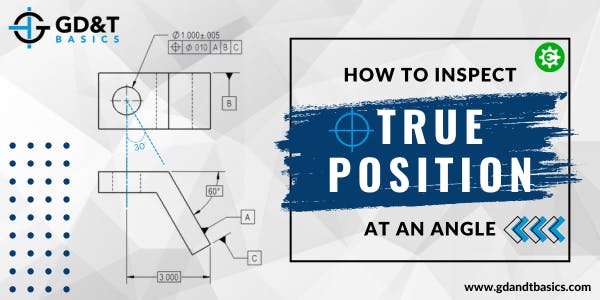
When a hole is being controlled with position, the primary datum is often the surface that the hole originates from and the secondary and tertiary datums are perpendicular or parallel to the primary datum. However, this is not always the case. In this video, Jason walks through an example drawing to show us how to inspect a hole that is at an angle with respect to the primary datum.
Though many people refer to the GD&T Position symbol as "True Position," they are not the same thing. Read on to learn the difference between Position and True Position and how they work together to define the position of a feature.
In this question line video – Tom discusses how to understand a curved profile surface as a datum for 4 holes that are required to remain normal to the irregular surface. How do we do...
Position is one of the most useful and most complex of all the symbols in GD&T. The two methods of using Position discussed on this page will be RFS or Regardless of Feature Size and under a material condition (Maximum Material Condition or Least Material Condition). Position is always used with a feature of size.